
Requirements
Your IT Admin must configure an Archive Mailbox for your user account before you are able to access this feature.
Steps
- Select the Mail tab in new Outlook. (This is the standard email view, you may already be on this).
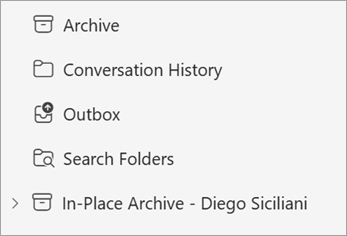
- If enabled, you will see the In-Place Archive folder in your email folder list.
- To free up space on your device, move items into the In-Place Archive folder.
Notes
NB// Unless a custom policy has been configured for your organisation, the default policy is set to move items over 2 years old to the archive folder. The Archive Mailbox acts as an extension to your main mailbox and is always accessible.